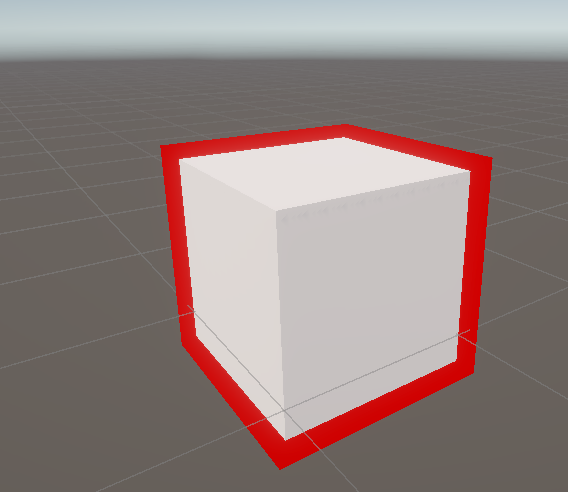
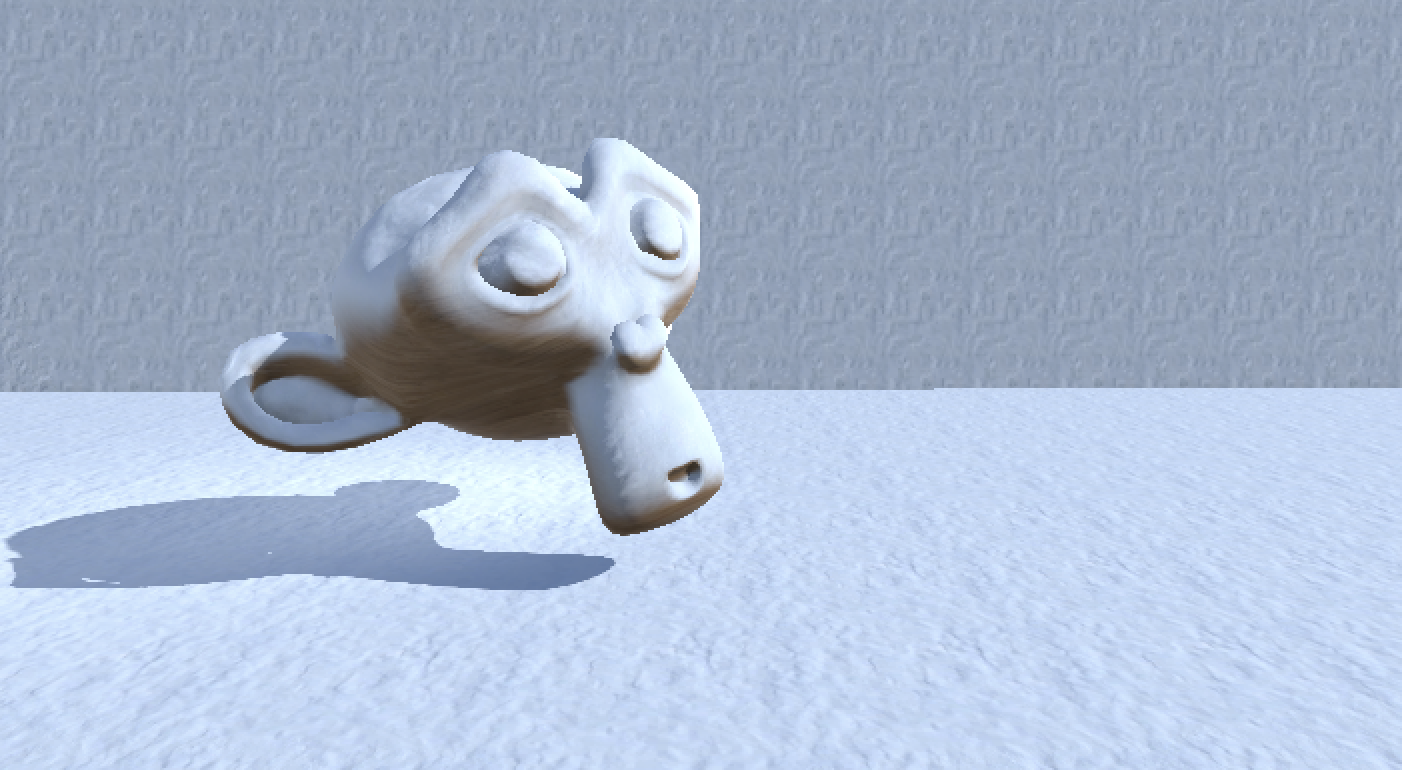
XRay effect in Unity Shader Graph
The effect
I am using Unity 6.4 LTS and URP for this project.
This is a simple effect that has an outline disolve. Its being used when an object is shown / hidden in a project. It would be used for things like Sci-Fi spawn / despawn, xray vision / deactivation mode, ghostly transitions, etc.
Here is a sample with a slider placed into the shader graph, this slider is driven by a variable normally.
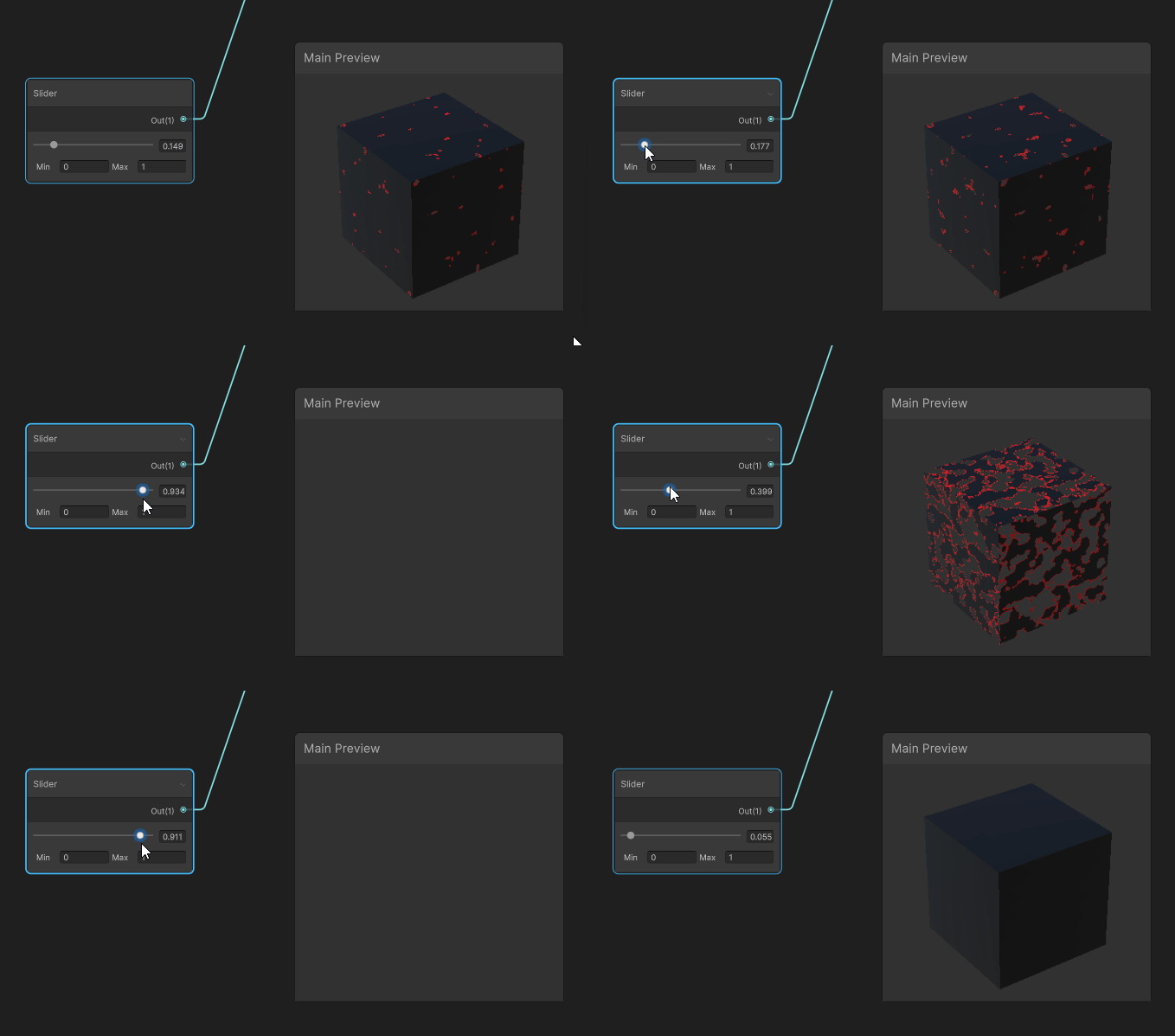
Utilizing inputs we can customize the following elements:
- Color
- Disolve Progress
- How thick the edge is
- Color of the edge
Overview of the graph
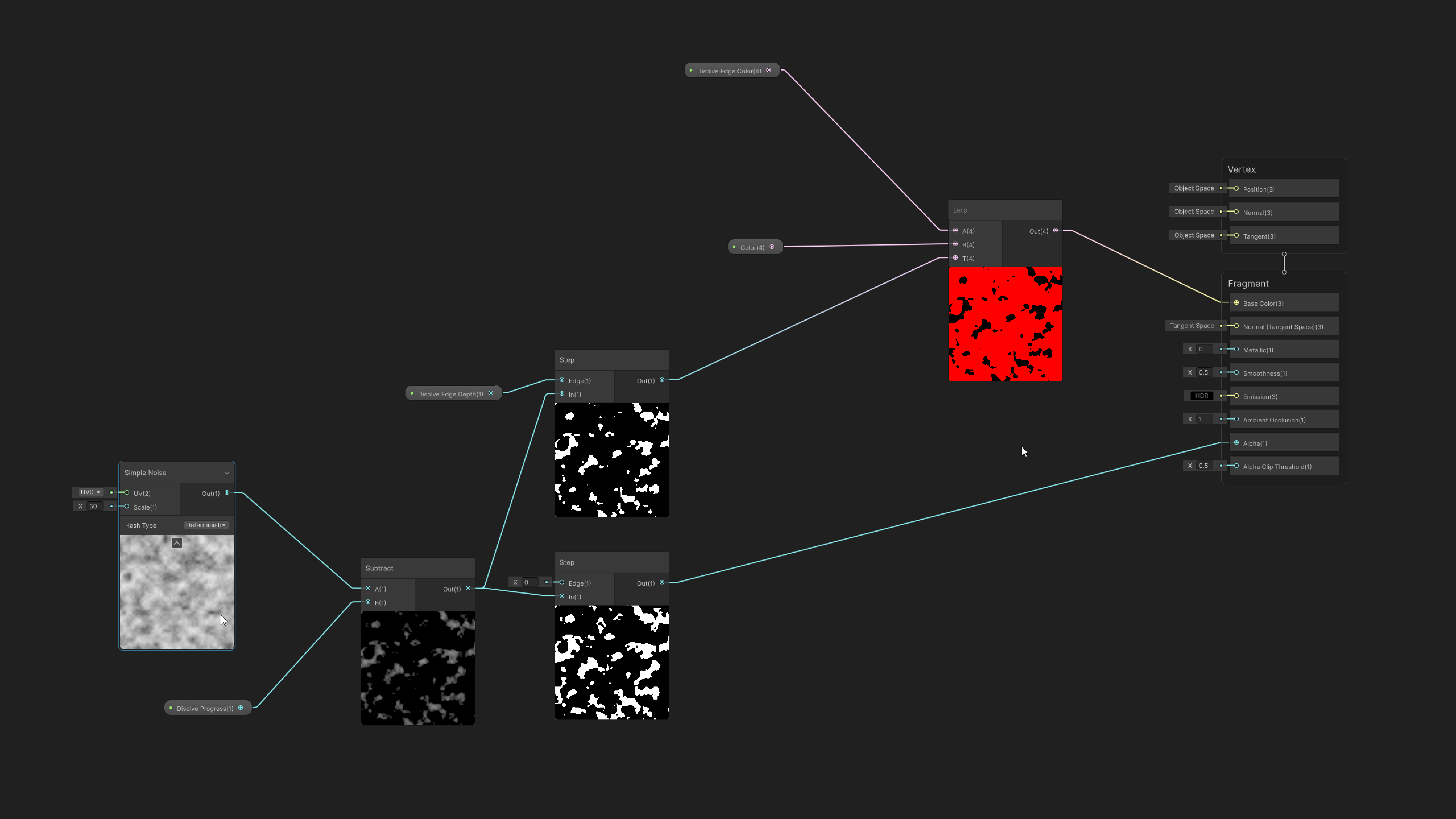
Graph Setup
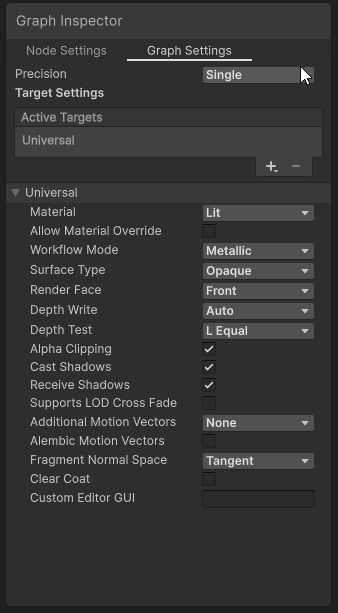
Because we are using alpha clipping the shader must have alpha clipping enabled.
Step node
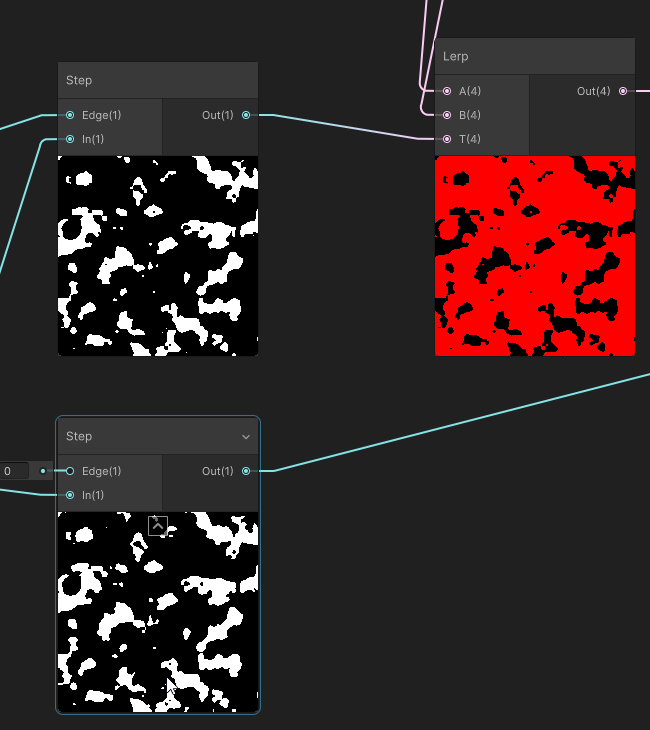
Step node returns 1 if in > then the edge value otherwise 0. This can be a great way of developing masks. For example:
- if the input is 0.4 and the edge value is 0.5 then it will return 0.
- if the input is 0.6 and the edge value is 0.5 then it will return 1.
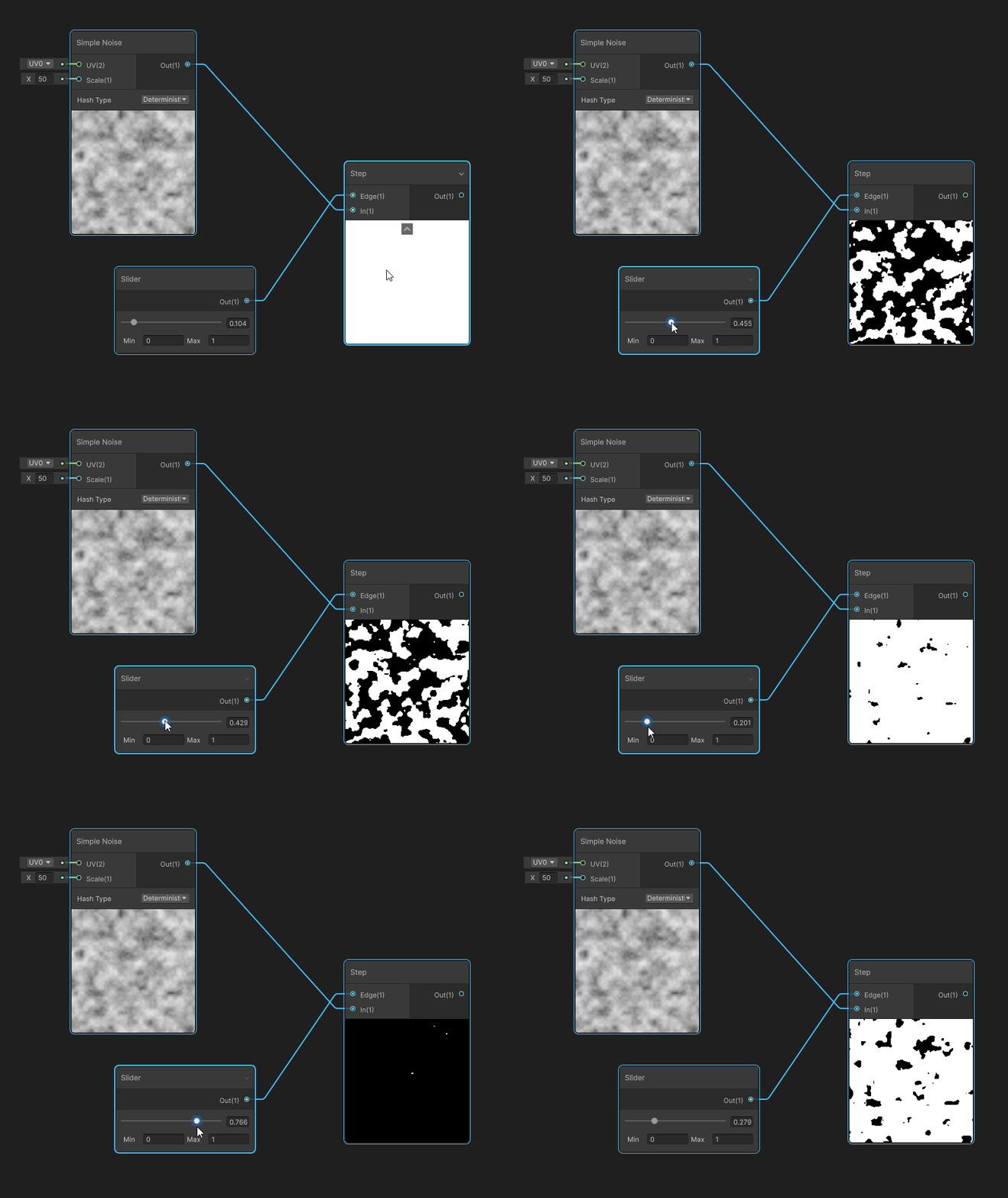
We can develop an interesting alpha clip with this, creating a bit of a fade out effect.
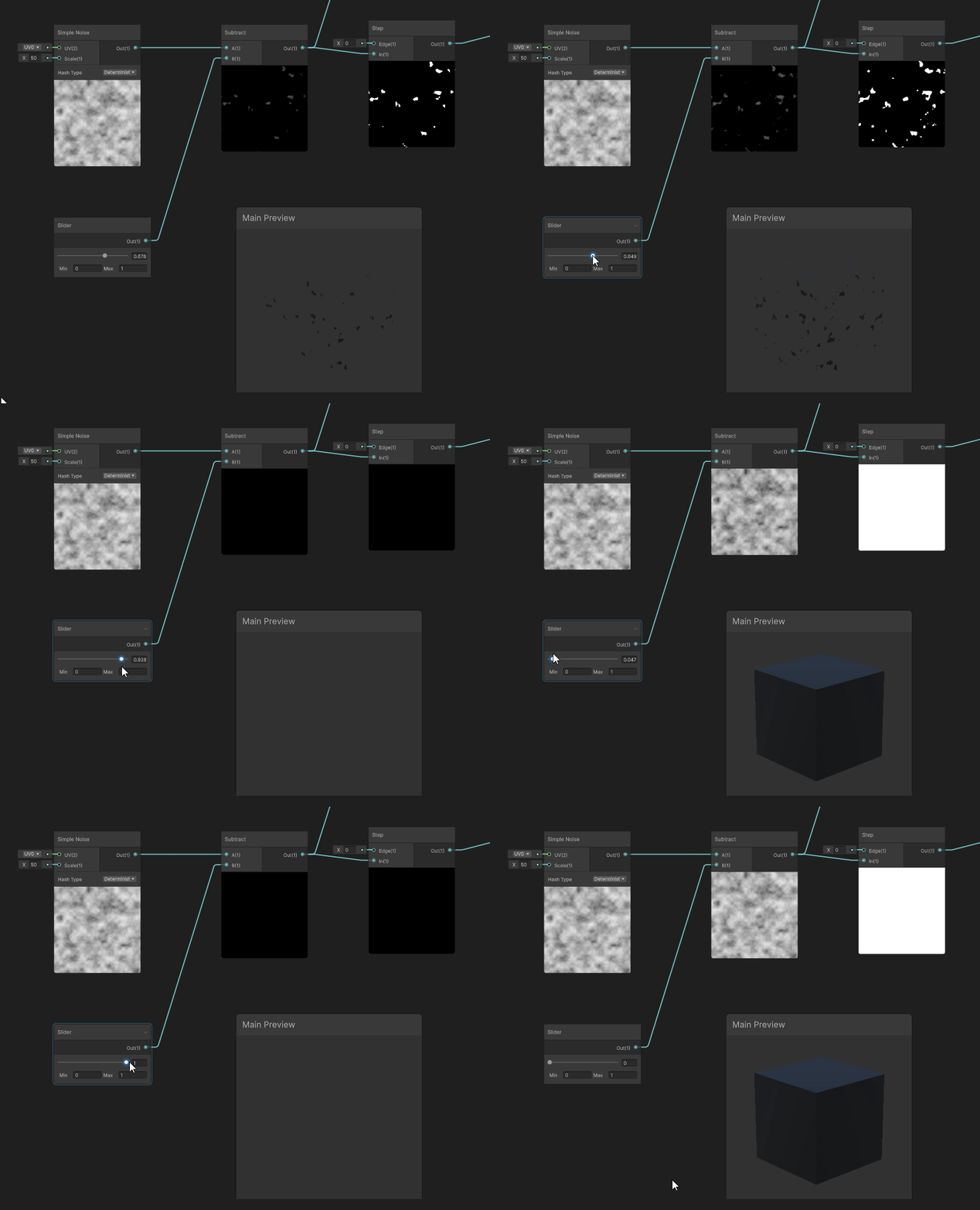
Edge Effect
Because the gradient is smooth, we can use it to also get a bit of an edge effect with the step node. This is a little subtle in the images.
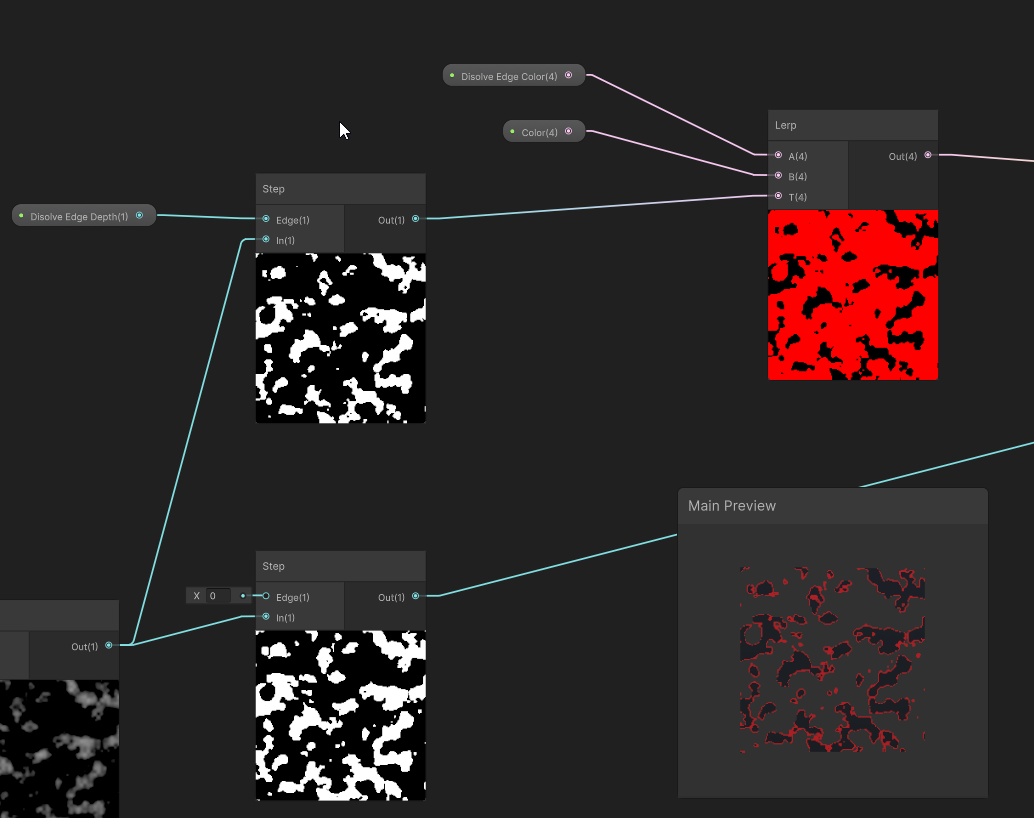
The smooth gradient is important, without it the outline can’t exist. We are essentially using the smoothness to determine how thick the line edge is. Because both the line edge step function and the alpha clip step function are operating on the same input, the edge step function is just cutting away a little bit more than what the alpha clip is using. This little bit more is the edge effect size.
Another way to think about it is to think we are developing a mask with the step node that defines where the base color is. The edge will be everywhere else.
Different Types of Noise - Gradient Noise
Demonstration of the gradient noise
Different Types of Noise - Voronoi
Demonstration of the voronoi noise
Properties
| Property | Reference | Type | Range |
|---|---|---|---|
| Color | _Color | Color | NA |
| Dissolve Edge Color | _Dissolve_Edge_Color | Color | NA |
| Dissolve Progress | _Dissolve_Progress | Float | 0..1 |
| Dissolve Edge Depth | _Dissolve_Edge_Depth | Float | 0..1 |